

7 Signs You Need AI Automation to Save Time Now
AI automation for business is the process of using intelligent software to handle repetitive tasks like lead follow-up, invoicing, and data entry. Your business is ready for automation when manual workflows consume over 20% of your day, human errors affect revenue, or you cannot scale because of administrative bottlenecks.
What are the 7 signs your business is ready for AI automation?
Recognizing when your business has outgrown manual processes is the first step toward efficiency. For many small business owners and solo entrepreneurs, the transition from "doing it all" to "automating it all" happens when the workload becomes a barrier to growth rather than a catalyst for it.
1. You are drowning in repetitive, low-value tasks
If you find yourself spending hours every morning moving data from one spreadsheet to another, or manually typing out the same introductory emails to every new lead, you are ready. These tasks are the "low-hanging fruit" of AI automation . They require no creativity but take up the mental energy you should be spending on strategy and client relationships.
2. Leads are falling through the cracks
Speed to lead is critical in the modern market. If a potential client reaches out and you don't respond for 24 hours because you were busy in a meeting or handling paperwork, you've likely lost that sale. Automated systems can instantly acknowledge a lead, book a discovery call via custom workflow tools, and add them to your CRM without you lifting a finger.
3. Human error is costing you money
Manual data entry is prone to mistakes. A mistyped invoice amount or a forgotten follow-up can lead to lost revenue or damaged reputations. When these small errors start appearing frequently, it’s a clear signal that your manual processes are no longer sustainable for your current volume of business.
4. You can't scale without hiring more people
If your only solution to growing your business is to hire more administrative staff, you have a process problem, not a people problem. Automation allows you to handle 5x or 10x the volume of work with your existing team by removing the friction in your services delivery.
5. Your data is scattered across multiple apps
Small businesses often use 10+ different software tools. If your CRM doesn’t talk to your accounting software, and your email marketing tool is disconnected from your calendar, you are wasting time acting as a human bridge between these silos. Tools like Zapier and Make.com are designed to knit these platforms together into a single, cohesive ecosystem.
6. You are always behind on invoicing and reporting
Cash flow is the lifeblood of any small business. If you are waiting until the end of the month to manually generate invoices because the process is too tedious to do daily, you are hurting your bank balance. Similarly, if you only look at your business performance reports once a quarter because they take too long to build, you are flying blind.
7. You feel a constant sense of "admin burnout"
Entrepreneurship is demanding, but it shouldn't be soul-crushing. If you dread opening your laptop because of the mountain of administrative tasks waiting for you, your business is ripe for a digital transformation. Automating these burdens can reignite your passion for your actual craft.
Why should you automate lead follow-up immediately?
Automating your lead generation and follow-up is often the highest-return investment you can make. In a world where consumers expect instant gratification, an automated response system ensures that your business is "always on," even when you are sleeping or working on other projects.
Instant Response and Qualification
When a prospect fills out a form on your website, an automated workflow can immediately:
- Send a personalized email or SMS acknowledging the request.
- Cross-reference their data to see if they fit your ideal client profile.
- Send a link to your calendar to book an appointment.
- Add their details to your CRM with specific tags for tracking.
Nurturing Leads Automatically
Not every lead is ready to buy today. By setting up automated email sequences, you can keep your brand top-of-mind without manual effort. These sequences can provide value, share case studies, and offer testimonials over several weeks, slowly moving the prospect toward a purchase decision. This ensures that no lead is ever truly "dead" until they opt out.
Streamlining Invoices and Payments
Manual invoicing is a hidden time-thief. Between calculating hours, creating the PDF, and following up on late payments, it can take hours per week. Automation turns this into a "set it and forget it" process.
Automating the Billing Cycle
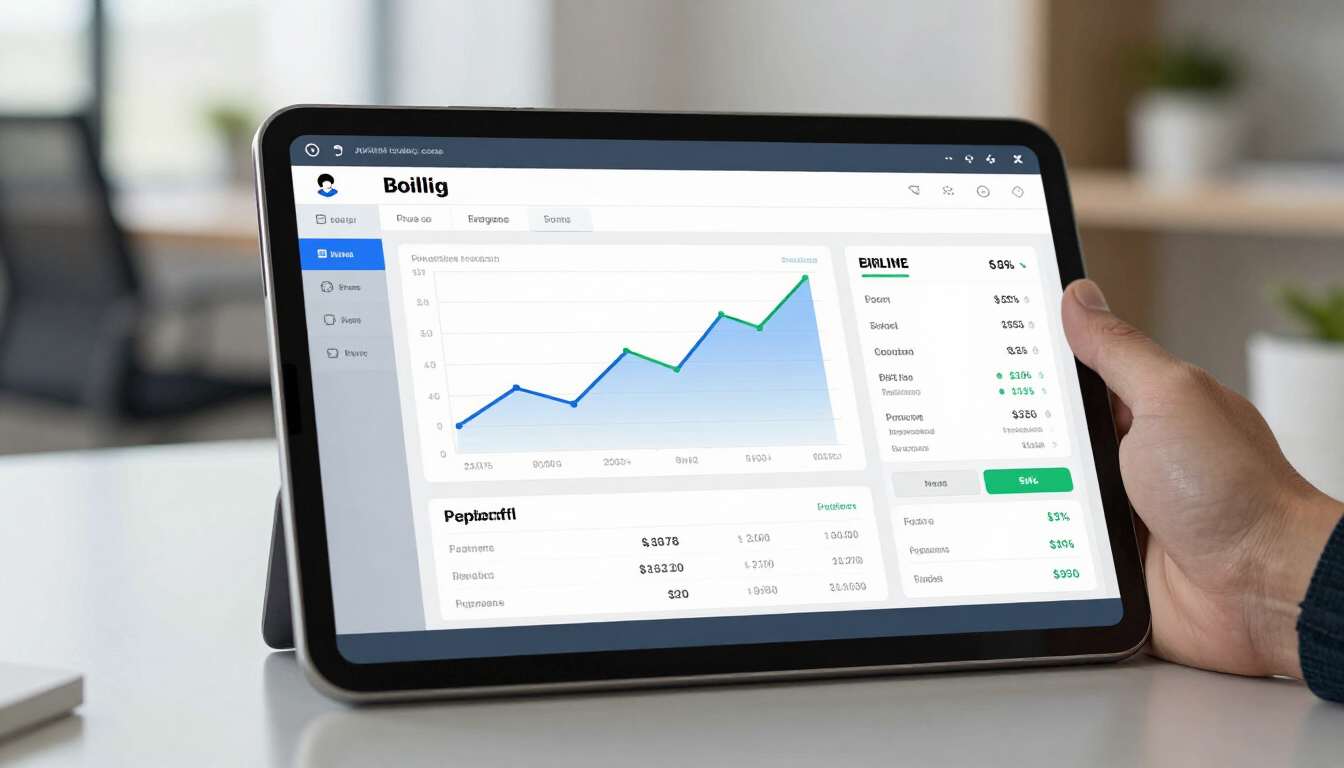
By connecting your project management tool to your accounting software (like Xero or QuickBooks) using Make.com , you can trigger an invoice the moment a task is marked as "Complete." This shortens your billing cycle and improves cash flow significantly. You can also set up automated reminders that go out 3, 7, and 14 days after a due date, removing the awkwardness of manual debt collection.
How much time can you save by automating data entry?
Data entry is perhaps the most tedious task in any office environment. Whether it's copying customer details from a lead form into a spreadsheet or moving sales data from a shop platform into a reporting tool, it's a prime candidate for AI intervention. For a typical small business, automating data entry can save between 5 to 15 hours per week per employee.
The Power of OCR and AI for Data Extraction
Modern AI tools can now "read" documents. By using tools like n8n or Make.com integrated with AI models, you can:
- Automatically extract data from PDF receipts and enter them into expense reports.
- Scan incoming emails for specific information (like order numbers) and update your database.
- Transcribe meeting notes and automatically assign action items to team members in Notion or Trello.
Generating Reports with AI
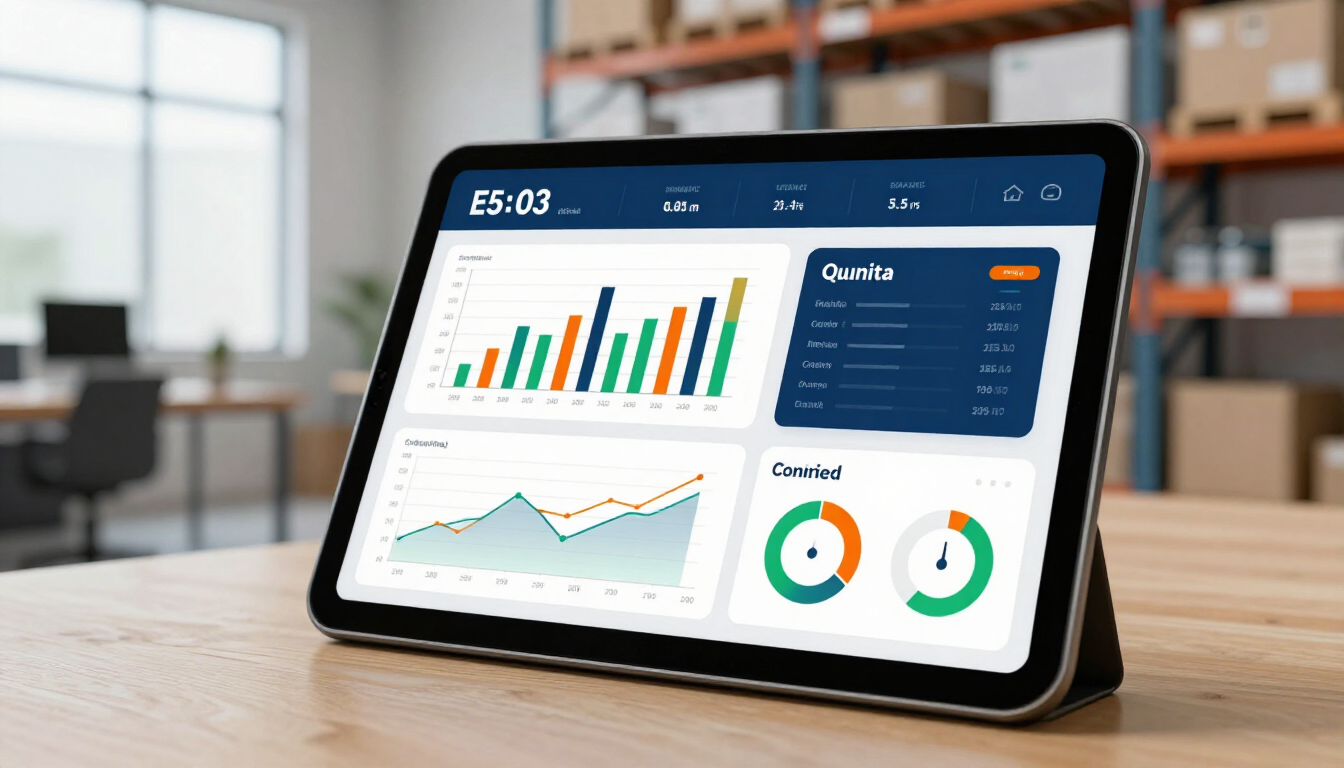
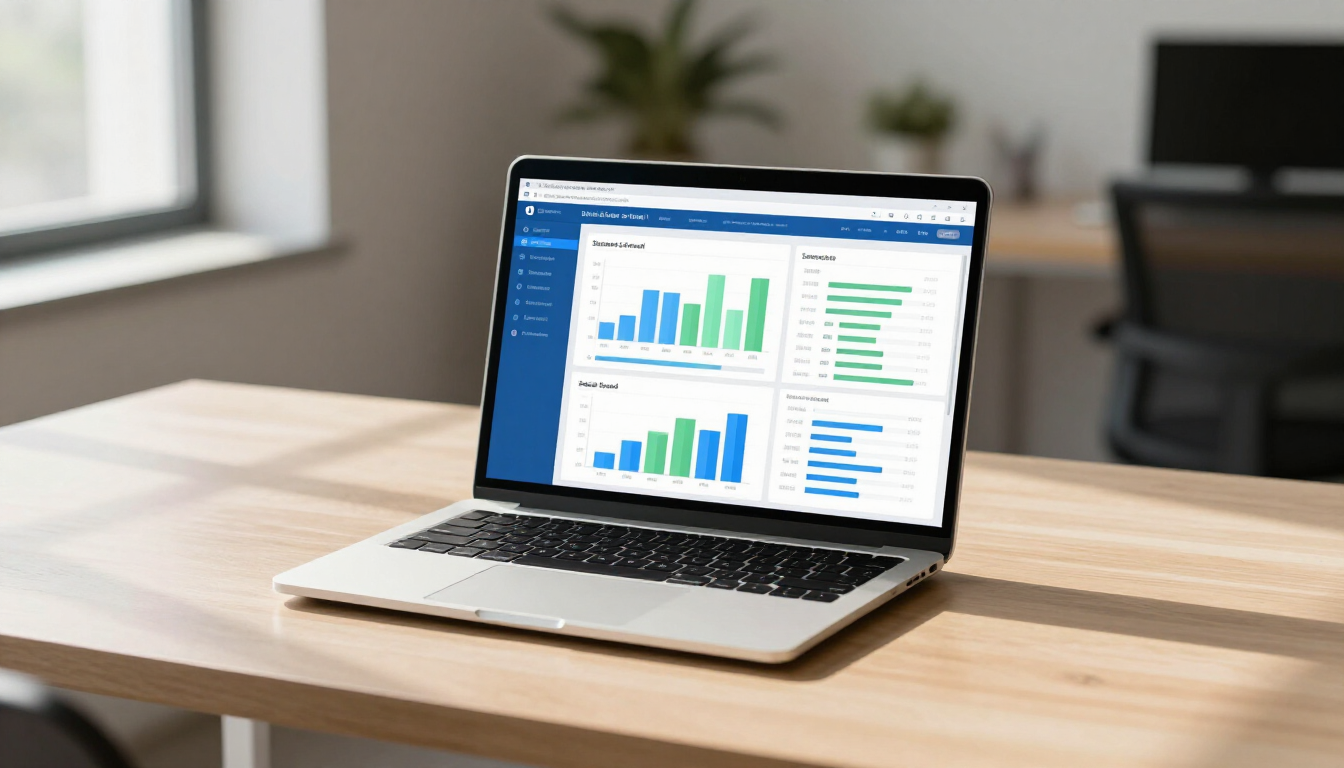
Reporting is essential for making informed decisions, yet it’s often the task that gets pushed to the back burner because it’s time-consuming to gather data from different sources. Automation changes this dynamic by creating real-time dashboards that are always up to date.
Real-Time Business Intelligence
Instead of spending a whole Friday compiling a weekly report, you can set up a workflow that pulls data from your sales, marketing, and operations tools into a single Google Sheet or Looker Studio dashboard. You can even use AI to summarize these reports, providing you with a daily "morning briefing" in your Slack or email that tells you exactly how your business is performing.
Comparing the Leading Automation Tools
When deciding which platform to use for your business, consider these three major players:
- Zapier : The easiest to use with the most integrations; perfect for simple, linear automations.
- Make.com : Offers a visual canvas for complex, multi-step workflows; highly cost-effective for high volumes.
- n8n : An open-source option that provides maximum flexibility and data privacy for more technical users.
Choosing the right tool depends on your technical comfort level and the complexity of the tasks you want to solve. Many businesses start with Zapier and migrate to Make.com as their needs grow more sophisticated.
Real-world examples of time and money saved
To understand the true impact of automation, we look at the Return on Investment (ROI). Automation isn't just a convenience; it's a strategic financial decision. You can even calculate your potential savings using an Automation ROI Calculator .
Case Study: The 10-Hour Agency Save
A digital marketing agency was spending roughly 10 hours a week manually onboarding new clients. By creating a custom workflow that automated contract signing, folder creation, and team notifications, they reduced onboarding time to just 15 minutes. This allowed the founder to focus on high-ticket sales instead of admin.
Case Study: The E-commerce Error Reduction
An e-commerce brand was losing approximately 3% of its revenue due to manual order entry errors between their website and shipping software. By implementing an automated bridge, they eliminated these errors entirely, saving thousands of dollars in shipping costs and lost product every month.
Summary of Key Takeaways
Transitioning to an automated business model doesn't happen overnight, but the results are transformative. By identifying the signs of manual overload early, you can protect your business from scaling issues and yourself from burnout. Focus on the high-impact areas first: lead management, billing, and data entry. Use the tools that fit your current scale, and don't be afraid to seek automation support if the technical setup feels daunting.
- Start Small : Automate one recurring task this week, like your email follow-ups.
- Centralize Data : Use a platform like Make.com to connect your disconnected apps.
- Prioritize Speed : Focus on tasks where response time directly affects revenue.
- Monitor ROI : Track how many hours you save to justify further automation investments.
- Keep Evolving : Regularly audit your workflows to find new areas for optimization.
If you're ready to stop doing manual work and start growing, contact us or explore our AI automation services to find the perfect flow for your business.