

How to Automate Inventory Management in 2026
Automated inventory management is the process of using software to monitor, track, and optimize stock levels across multiple sales channels in real-time. By integrating your sales platforms with a centralized database, you eliminate manual data entry, receive instant low-stock notifications, and automatically generate purchase orders to prevent stockouts and overselling.
What is automated inventory management?
Automated inventory management is a technology-driven approach that replaces traditional, manual methods of tracking stock. In a manual system, a business owner might rely on physical counts, handwritten ledgers, or complex Excel spreadsheets. While these methods might work for a tiny startup, they quickly become a liability as a business grows. Automation introduces a "single source of truth" where every sale, return, or new shipment is instantly recorded and reflected across your entire operation.
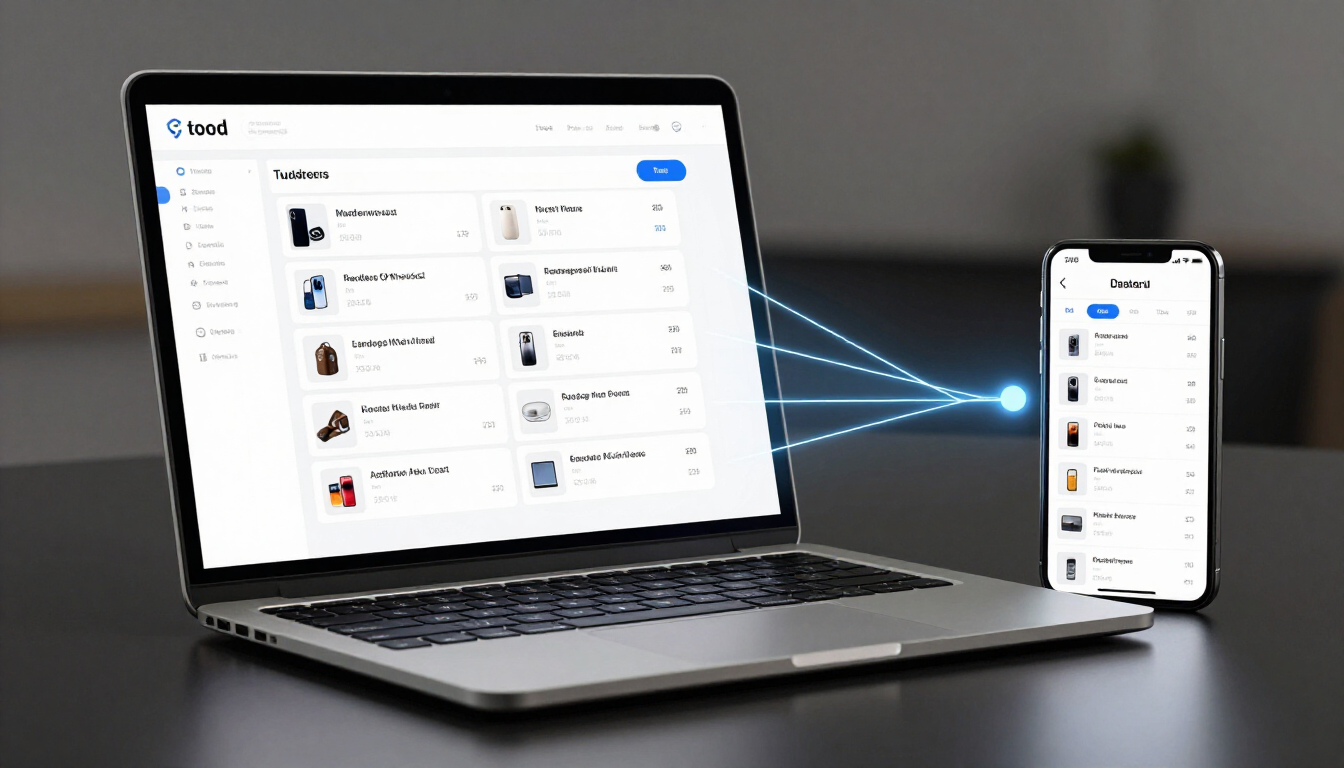
This system works by connecting your Point of Sale (POS) system, your e-commerce website (like Shopify or WooCommerce), and your backend warehouse data. When a customer buys a shirt in your physical boutique in Noumea, the system immediately subtracts that item from your online store's availability. This seamless communication ensures that a customer browsing your website five minutes later doesn't try to purchase an item that was just sold over the counter.
Beyond just counting items, automated inventory management encompasses specialized features such as:
- Real-time data synchronization across all platforms.
- Automated reorder points based on historical sales data.
- Barcode and SKU management for rapid processing.
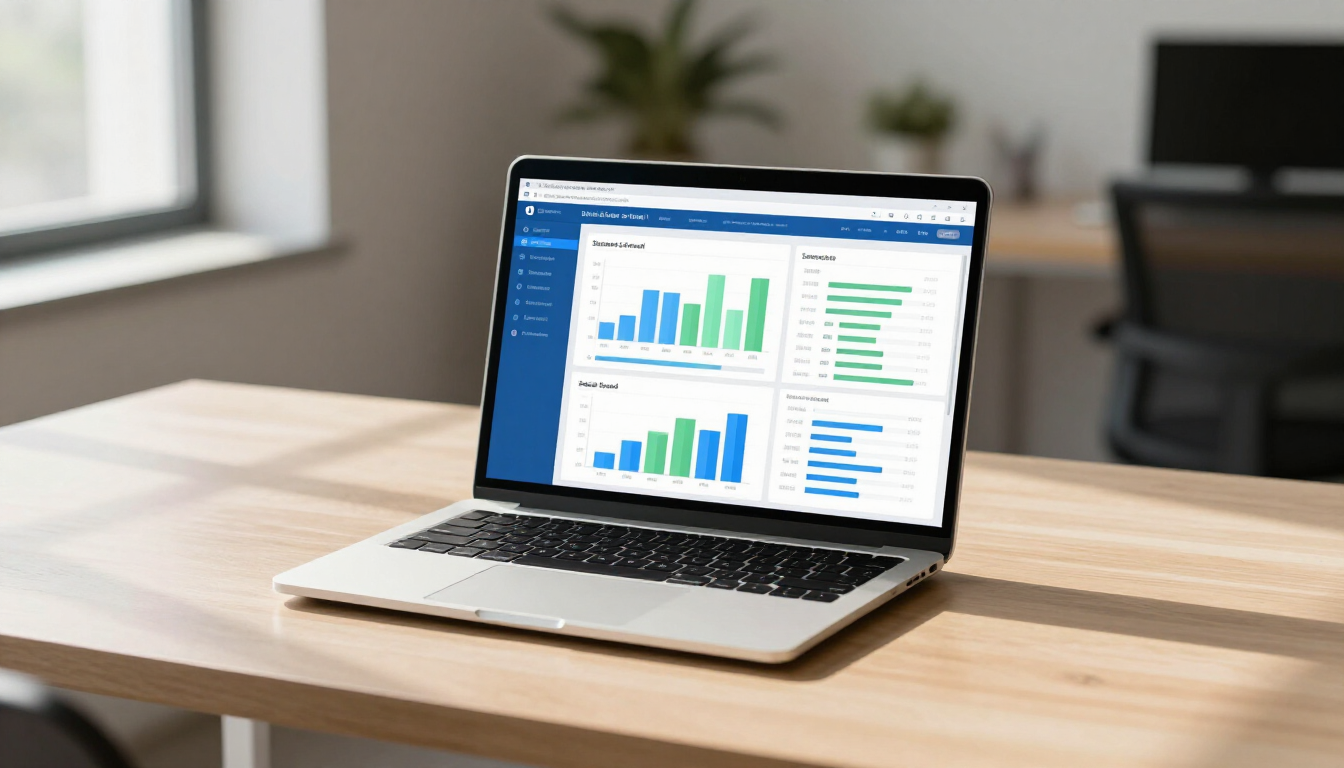
- Detailed reporting on inventory turnover and profitability.
- Integration with shipping and logistics providers.
The hidden costs of manual tracking
Many small business owners hesitate to automate because they view software as an added expense. However, the costs of sticking with manual spreadsheets are often much higher, though they are hidden in lost time and missed opportunities. When you manage inventory manually, you are prone to human error—a single typo in a spreadsheet can lead to ordering 100 units instead of 10, or worse, thinking you have stock available when the shelf is actually empty.
Overselling is one of the most damaging consequences of manual tracking. In the age of social media and instant reviews, a customer who receives an "out of stock" email two days after placing an order is unlikely to return. This doesn't just lose you a sale; it damages your brand reputation. Furthermore, manual counting requires hours of labor that could be spent on high-value tasks like marketing or product development. By shifting to a Custom Workflow , you reclaim that time and reduce the mental load of constant stock-checking.
How to sync inventory across online and physical stores?
For many retailers, the dream is an omnichannel experience—selling everywhere your customers are. But syncing a physical shop with an e-commerce platform manually is a logistical nightmare. Automated inventory management solves this by using APIs (Application Programming Interfaces) to "talk" between different software systems.
When a sale occurs, the POS system sends a signal to the central inventory hub. The hub then updates the stock levels and pushes that information out to all other connected channels. This happens in milliseconds. If you are selling on Amazon, eBay, and your own website, while also running a brick-and-mortar store, automation ensures that your "Available to Promise" (ATP) inventory is accurate everywhere.
This synchronization is vital for businesses in the food and beverage industry as well. If a restaurant uses an ingredient for a special dish, an automated system can track the depletion of raw materials, ensuring the kitchen never runs out of essentials during a busy Saturday night shift. To see how these systems are applied in various sectors, you can explore our Automation by Industry page.
The power of real-time stock tracking
Real-time tracking is more than just knowing how many items are in the back room; it’s about having a live pulse on your business's health. With real-time data, you can see which products are moving quickly and which are gathering dust. This allows for "Just-in-Time" (JIT) inventory management, where you only order stock as it's needed, freeing up cash flow that would otherwise be tied up in excess inventory.
Benefits of real-time tracking include:
- Immediate visibility into high-performing SKUs.
- Reduction in "dead stock" through better data.
- Faster response times to sudden market trends.
- Increased accuracy in financial reporting and tax audits.
- Enhanced customer trust through accurate "in-stock" labels.
Can AI help prevent overselling and stockouts?
Artificial Intelligence is the next frontier in inventory management. While basic automation follows "if-then" rules, AI Automation can predict the future. By analyzing years of sales data, weather patterns, and even local events in Noumea, AI can forecast demand with incredible accuracy.
Instead of waiting for a "low stock" alert, an AI-enhanced system might suggest you order 20% more stock three weeks before a major holiday because it predicts a surge in demand. This proactive approach ensures you never miss a sale due to a stockout. AI also helps in identifying "ghost inventory"—discrepancies between what the system thinks you have and what is actually on the shelf—by flagging unusual patterns that might indicate theft or unrecorded breakage.
How do automated purchase orders work?
One of the most time-consuming parts of inventory management is creating purchase orders (POs). In a manual setup, you have to realize you're low on stock, find the supplier's contact info, look up the last price you paid, and draft an email. Automated inventory systems handle this through "reorder points."
You set a minimum threshold for each item. Once the stock hits that number, the system automatically drafts a PO for a predetermined quantity and sends it to your supplier for approval (or sends it directly if you choose). This ensures a continuous flow of goods without you ever having to look at a shelf.
This level of Automation Support is a game-changer for wholesalers and e-commerce brands who deal with hundreds of different suppliers. It ensures that the "paperwork" of running a business never slows down the actual selling. It also allows you to maintain better relationships with suppliers by providing them with consistent, predictable orders.
Implementing barcoding and scanning solutions
To make automation truly effective, you need a way to move physical items into the digital world quickly. This is where barcoding comes in. Every time a shipment arrives, your staff can use a handheld scanner or even a smartphone app to scan the barcode. This instantly updates the system with the new stock count.
Barcoding reduces human error during the receiving and picking processes. When an order comes in, the system tells the picker exactly where the item is located and requires a scan to confirm the correct item was grabbed. This "double-check" virtually eliminates shipping errors, which are expensive to fix and frustrating for customers. Integrating these tools into your Services list can significantly boost operational efficiency.
Key features of an automated inventory system
When choosing a system, small businesses should look for specific features that cater to their unique needs. Not every platform is built the same, and the right choice depends on your volume and complexity.
Essential features for small business inventory automation:
- Multi-Location Tracking: If you have more than one store or warehouse.
- Mobile Accessibility: The ability to check stock on the go from a phone.
- Integration Ecosystem: It must play nice with your existing tools.
- Bundle and Kit Management: If you sell items in sets (e.g., a gift basket).
- Automated Backordering: Allowing customers to buy out-of-stock items with clear ETAs.
Steps to transition from spreadsheets to automation
Moving away from the spreadsheets you've used for years can feel daunting, but the transition is a structured process that leads to long-term growth. The first step is to perform a complete physical audit. You need a clean, accurate starting point before you feed data into a new system. "Garbage in, garbage out" is a common pitfall in data automation.
Once you have an accurate count, you'll categorize your items with unique SKUs and set your initial reorder points. The next phase involves integrating your sales channels. This is where SmartFl8w can help, ensuring that your website, POS, and warehouse are all talking the same language. We often recommend starting with a Free Consultation to map out your current flows and identify the biggest bottlenecks.
After the technical setup, training your team is the final, crucial step. They need to understand why the new system is in place and how to use the scanning tools. Without team buy-in, the most advanced software in the world won't save your business. Regular check-ins and looking at the User Cases of other successful businesses can provide inspiration during this transition.
Maximizing ROI with custom workflows
Every business is unique. A generic software solution might get you 80% of the way there, but a Custom Workflow bridges the gap to 100% efficiency. For example, a bakery might need inventory automation that tracks the shelf life of ingredients, while a clothing boutique needs to track size and color variants across multiple seasons.
By customizing your automation, you ensure the system works for you, not the other way around. You can set up specific alerts for high-value items, automate internal stock transfers between locations, and create custom reports that show you exactly where your money is tied up. Investing in tailored automation is an investment in the scalability of your business.
Final Takeaways for Small Business Owners
Automated inventory management is no longer a luxury reserved for giant corporations; it is a necessity for any small business that wants to remain competitive and profitable in 2026. By moving away from manual tracking, you protect your brand from the damage of overselling and free yourself from the drudgery of spreadsheets.
Core Benefits Recap:
- Real-time Accuracy: Know exactly what you have, where it is, and what it's worth at any second.
- Scale with Ease: Add new sales channels like Amazon or social commerce without doubling your workload.
- Prevent Stockouts: Never lose a sale again because you forgot to reorder a popular item.
- Data-Driven Decisions: Use actual sales patterns to decide what to buy next, rather than relying on a "gut feeling."
- Customer Satisfaction: Provide a reliable, transparent shopping experience that keeps people coming back.
If you're ready to stop counting and start growing, exploring How it Works is the best first step toward a more efficient, automated future.