


Automate Lead Generation: Stop Losing Leads in 2026

Share this article

Lead generation automation is the process of using software to identify, capture, and nurture potential customers without manual intervention. By integrating CRM tools, chatbots, and automated workflows, businesses ensure that every lead is immediately engaged, categorized, and moved through the sales funnel, significantly increasing conversion rates and operational efficiency.

Why is manual lead tracking killing your business?

Let’s be honest: your current lead management system is likely a chaotic mix of sticky notes, unread emails, and a "spreadsheet of doom" that hasn't been updated since the last solar eclipse. We get it. You’re a small business owner, not a data entry clerk. But while you’re busy actually running your business, your leads are sitting in digital purgatory, slowly losing interest and wandering off to your competitors who actually respond to emails within the same decade.

Manual tracking is the silent killer of growth. When you rely on memory or manual entry, leads fall through the cracks. You forget to follow up with that person you met at the networking event. You miss the notification from your contact form because it got buried under a mountain of spam about "life-changing" herbal supplements. Every missed lead is literally money being left on the table.

Automating this process isn’t just about being "techy"; it’s about survival. By moving your processes into a custom workflow , you reclaim your time and ensure that your business presents a professional, responsive face to every potential client, regardless of whether you're at your desk or taking a well-deserved nap.

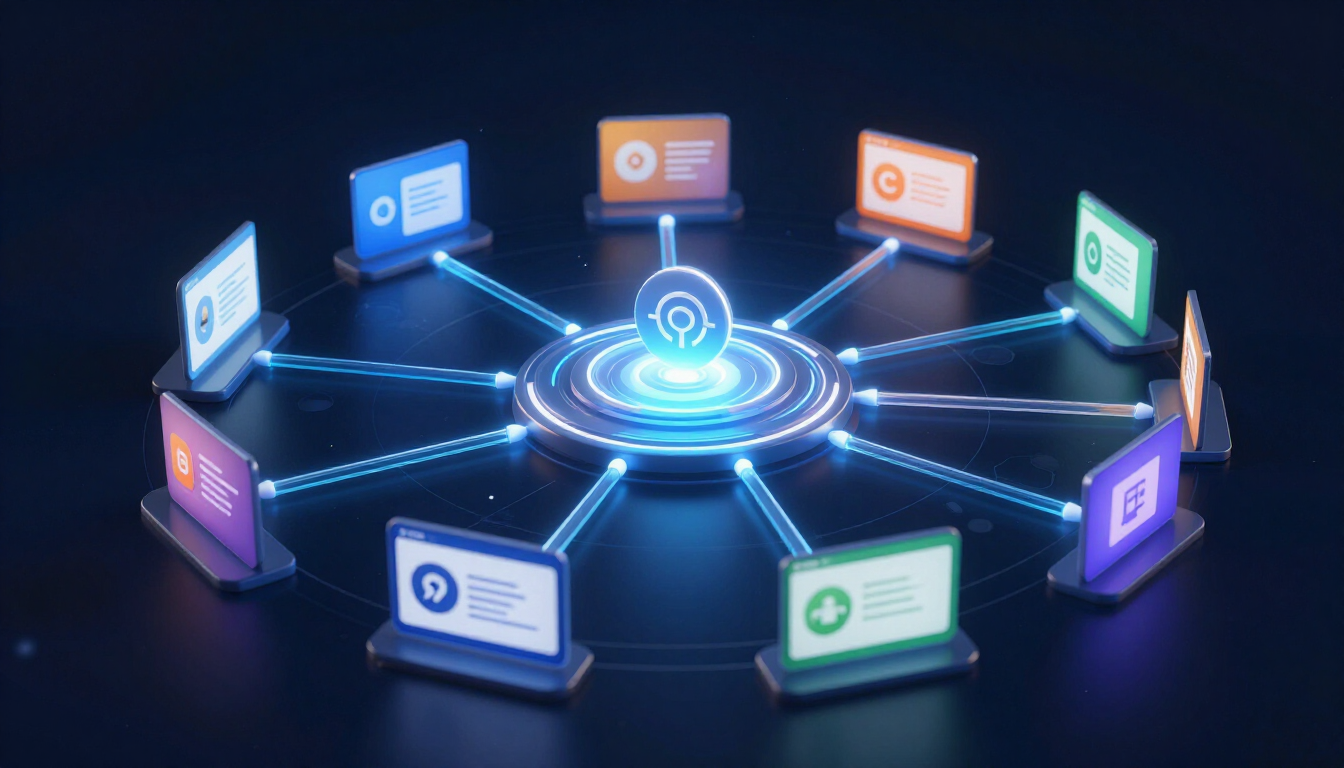
Automated Workflow Illustration

How can web forms capture leads automatically?

Your website shouldn't just be a digital brochure; it should be a high-performing employee that never asks for a raise. The humble web form is often the first point of contact, but if it’s just sending an email to your general inbox, you’re doing it wrong.

Smart web forms are the gateway to AI automation . When someone fills out a form, the data should immediately trigger a series of events. Here is how a high-converting automated form works:

  • Instant Sync: Data is pushed directly into your CRM database.
  • Auto-Responder: The lead receives a personalized "Hello" email within seconds.
  • Internal Notification: Your sales rep gets a Slack or SMS alert immediately.
  • Lead Source Tracking: The system automatically notes if they came from Google, FB, or LinkedIn.
  • Scheduling Link: The "Thank You" page offers a direct link to book a meeting.

By the time you’ve finished your morning coffee, a lead could have already booked themselves into your calendar, all without you lifting a finger. This is the power of automation by industry standards—making the technology do the heavy lifting so you can focus on the human touch.

Can AI chatbots really talk to your customers?

Yes, and no—they won't discuss the existential dread of the human condition (unless you program them to), but they are incredibly good at qualifying leads. While you’re sleeping, an AI chatbot can handle the repetitive questions that usually clog up your day. "How much do you cost?" "Are you open on Sundays?" "Do you have this in blue?"

Chatbots act as a 24/7 concierge. They can engage visitors, ask qualifying questions, and even handle initial objections. If a lead meets your criteria, the bot can hand them off to a human or book a consultation directly. This ensures that you only spend your time talking to people who are actually ready to buy, rather than "tire-kickers" who just want to chat.

If you want to see this in action, you can literally talk to Flowy on our site. It’s like having a receptionist who never gets tired, never needs a coffee break, and doesn't complain about the office temperature.

The Magic of CRM Workflows

A CRM (Customer Relationship Management) tool isn't just a fancy address book. It is the brain of your sales operation. When you integrate it with our app stack , you create a nervous system that reacts to every lead interaction. A workflow is essentially an "If This, Then That" command chain that runs on autopilot.

For example, if a lead downloads a whitepaper on your site, the CRM can:

  1. Wait two days.
  2. Check if they’ve opened the email.
  3. If yes, send a follow-up case study.
  4. If no, send a different helpful resource.
  5. Create a task for you to call them if they click a pricing link.

This level of precision is impossible to maintain manually. With a solid automation support system, you can build these pathways once and let them run for years. You’re essentially cloning your best salesperson and letting them work 24/7.

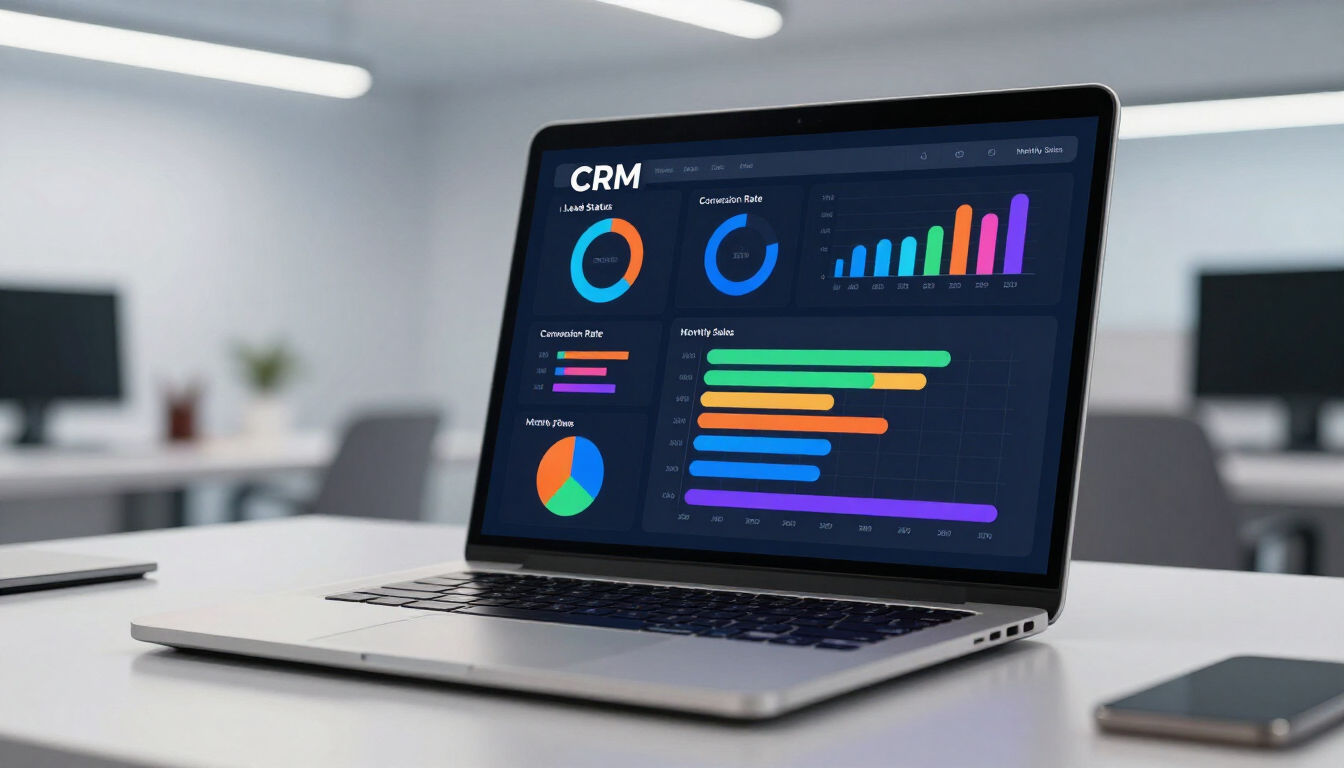
CRM Dashboard in action

Which CRM tools work best for small businesses?

Choosing a CRM can feel like trying to pick a favorite child, except some children are much more expensive and complicated to talk to. For small businesses, the key is balance: you need power without the PhD-level learning curve.

Whether you are looking for something robust like HubSpot, something sales-focused like Pipedrive, or something highly customizable like Monday.com, the goal is integration. A CRM that doesn’t talk to your other apps is just a digital paperweight. We often help clients with migration from old-school spreadsheets to modern systems because the leap in productivity is night and day.

  • Ease of Use: If it’s too hard, you won’t use it.
  • Automation Capabilities: Look for built-in workflow builders.
  • Mobile App: You need to see your leads while on the go.
  • Scalability: It should grow as your business grows.
  • Integration: It must connect with your email and website.

Lead Scoring: Knowing Who to Call First

Not all leads are created equal. Some are ready to buy right now , and others are just browsing while they wait for their laundry to finish. Lead scoring is the process of assigning a numeric value to a lead based on their actions. This allows you to prioritize your day and focus on the "hot" opportunities first.

Imagine if every time someone visited your pricing page, they got +10 points. If they downloaded a guide, +5 points. If they haven't opened an email in a month, -20 points. Your CRM can then automatically surface the leads with the highest scores to the top of your list. You stop guessing and start knowing exactly who needs a phone call today.

This is a core part of any custom workflow design. It turns your sales process from a shotgun approach into a sniper rifle, ensuring every ounce of your energy is spent where it’s most likely to result in a closed deal.

Automated Follow-Up Strategies for Success

Did you know that 80% of sales require five follow-up calls after the meeting? Yet, 44% of sales reps give up after only one follow-up. That’s a massive gap where money goes to die. Automation bridges this gap by ensuring that no lead is ever truly "ghosted."

An automated nurturing sequence keeps your brand top-of-mind without you having to remember to send an email every Tuesday. You can set up a series of educational, helpful, and occasionally witty emails that go out over several weeks. This builds trust and positions you as an expert before you even pick up the phone. For those who want to take it a step further, Voice AI can even handle initial follow-up calls to confirm appointments or gather missing information.

Successful Business Meeting

How to get started with automation today?

If your head is spinning, don't worry. You don't have to build a robot army overnight. Start small. The best way to begin is by looking at your most repetitive task. Is it entering data from forms? Is it sending the same "Welcome" email ten times a day? Start there.

  1. Audit your current flow: Where are the bottlenecks?
  2. Pick your tools: Choose a CRM and an automation platform (like Zapier).
  3. Build your first workflow: Automate just one thing, like form-to-CRM syncing.
  4. Test and Refine: See what’s working and what isn't.
  5. Scale: Gradually add lead scoring and nurturing sequences.

If you’re still feeling overwhelmed, the best move is to seek professional help. You can explore our user cases to see how others have done it, or better yet, book a free consultation . We’ve seen it all, and we’ve fixed it all.

Summary of Key Takeaways

Automating your lead generation isn't just a luxury; it's a strategic necessity in 2026. By moving away from manual tracking, you eliminate human error and ensure a consistent, professional experience for every prospect.

  • Capture Leads Instantly: Use smart forms and chatbots to engage 24/7.
  • Prioritize with Scoring: Focus your human energy on the hottest leads.
  • Nurture Automatically: Keep your brand top-of-mind with automated sequences.
  • Sync Everything: Ensure your app stack talks to each other via a central CRM.
  • Scale Your Business: Spend less time on data and more time on high-value growth.

Ready to stop the leak in your sales funnel? Contact us today and let’s turn that "spreadsheet of doom" into a well-oiled machine.

Recent Posts

Smartphone screen showing a successful appointment booking confirmation interface.
June 18, 2026
Learn how appointment automation helps salons, clinics, and consultants reduce no-shows, enable 24/7 booking, and boost overall productivity.
Automated invoicing dashboard on a digital screen.
June 12, 2026
Learn how to automate your invoicing process to save time, reduce errors, and improve cash flow. This comprehensive guide covers tools, workflows, and AI integration for small businesses.
A digital dashboard showing marketing automation results for a small business.
June 5, 2026
Discover how ad automation for small business helps you optimize targeting, reduce spend waste, and maximize ROI on Google, Facebook, and Instagram without a big budget.

Email marketing automation workflow on a laptop
May 22, 2026
Master email marketing automation to nurture leads and scale sales. This 2026 guide covers drip campaigns, segmentation, and AI tools for small businesses.
Social media automation tools dashboard on a laptop
May 15, 2026
Discover how social media automation tools allow small businesses to schedule posts, grow their audience, and save time without a full-time manager.

AI automation for beginners guide visualization
May 7, 2026
Learn how to start with AI automation without technical skills. Discover easy tools like Zapier and Make.com to streamline your business workflows today.
High-growth business analytics dashboard showing AI ROI metrics.
April 30, 2026
Discover how AI automation delivers measurable ROI by cutting costs, saving time, and scaling performance with real-world examples in CRM and marketing.
Digital automation concept for small businesses
April 20, 2026
Learn how small businesses use AI automation and tools like Zapier or Make.com to save hours, eliminate manual data entry, and increase productivity.
Digital representation of AI automation workflows
April 18, 2026
Learn how AI automation eliminates manual work, streamlines workflows, and saves time. Discover practical examples for CRM, reporting, and emails.
April 10, 2026
Compare manual workflows vs AI automation systems and discover how businesses improve efficiency, reduce errors, and scale operations.
Show More