AI Automation Use Cases for E-commerce, SaaS & Agencies
Share this article
Modern businesses operate in highly competitive environments where speed, efficiency, and scalability determine long-term success. Many organizations continue to rely on manual workflows that slow down operations, increase errors, and limit growth potential. As customer expectations rise, companies must find ways to streamline processes and deliver faster, more consistent outcomes.
AI automation has become a core driver of operational transformation across industries such as e-commerce, SaaS, marketing agencies, and real estate. This article explores practical, real-world use cases of AI automation, demonstrating how businesses eliminate repetitive tasks, improve efficiency, and scale operations. It also highlights how SmartFl8w delivers tailored automation systems designed for industry-specific needs.
AI Automation in E-commerce Operations
E-commerce businesses handle large volumes of orders, customer interactions, and inventory updates daily. Without automation, these processes require significant manual effort, increasing the risk of delays and errors. AI automation transforms e-commerce operations by streamlining order processing, customer communication, and inventory management.
Automated workflows handle order confirmations, shipping updates, and payment tracking in real time. This reduces manual workload while improving customer satisfaction through faster response times. Inventory systems can also be automated to update stock levels instantly, preventing overselling and stockouts.
SmartFl8w builds end-to-end automation systems for e-commerce businesses using tools such as Make.com, Zapier, and N8n. These systems ensure seamless synchronization between sales platforms, CRMs, and logistics tools, enabling scalable and efficient operations.
As e-commerce continues to grow, automation becomes essential for maintaining competitiveness and delivering consistent customer experiences.
AI Automation for SaaS and Technology Companies
SaaS companies rely heavily on efficient onboarding, customer support, and data-driven decision-making. Manual processes in these areas can lead to delays, poor user experience, and increased churn rates. AI automation addresses these challenges by streamlining onboarding flows, automating support responses, and improving data analysis.
Automated onboarding workflows guide new users through product setup, ensuring faster activation and reduced friction. AI-powered support systems handle common queries instantly, allowing teams to focus on complex technical issues.
Data workflows can also be automated to generate insights from user behavior, helping companies optimize product performance and improve retention strategies. SmartFl8w integrates AI tools and workflow automation systems to enhance SaaS operations and support scalable growth.
These automation systems enable SaaS companies to operate more efficiently while maintaining high-quality customer experiences.
AI Automation in Marketing Agencies
Marketing agencies manage multiple clients, campaigns, and reporting systems simultaneously. Manual reporting and campaign tracking consume significant time and often lead to inconsistencies in data presentation. AI automation streamlines these processes by automating reporting, lead tracking, and campaign performance analysis.
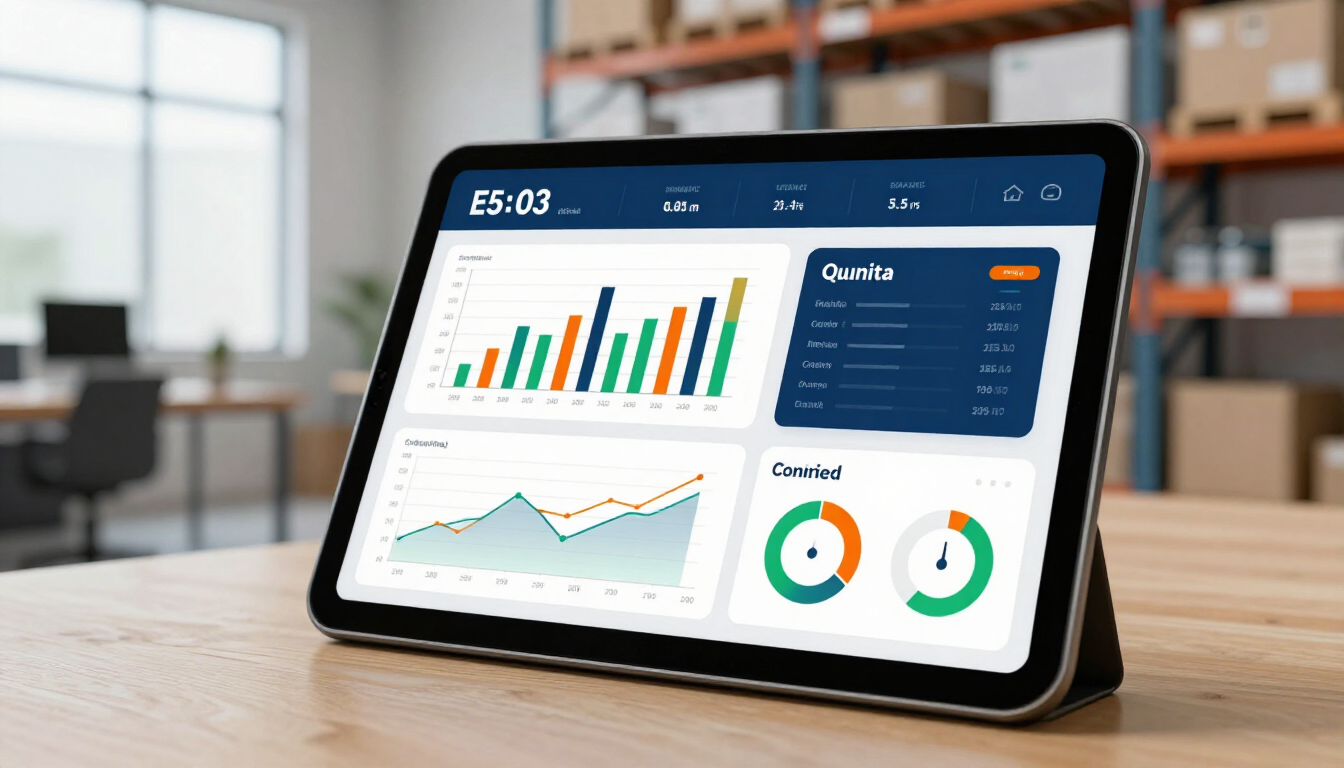
Automated reporting systems collect data from multiple platforms and generate real-time dashboards, eliminating manual compilation. Email marketing workflows can also be automated to deliver personalized campaigns based on user behavior and engagement history.
SmartFl8w helps marketing agencies implement structured automation systems that reduce manual workload and improve operational efficiency. By integrating tools such as Make.com and Airtable, agencies can focus on strategy and client growth rather than repetitive administrative tasks.
Automation allows marketing teams to scale operations without increasing headcount, improving both efficiency and profitability.
AI Automation in Real Estate Operations
Real estate professionals manage large volumes of leads, property listings, and client communications. Without automation, these processes can become overwhelming and inefficient. AI automation simplifies real estate operations by automating lead management, scheduling, and follow-ups.
Leads captured from websites, ads, or listings are automatically entered into CRM systems and assigned to agents based on predefined rules. Follow-up messages and reminders are triggered automatically, ensuring no opportunities are missed.
Property scheduling systems can also be automated to streamline viewing appointments and client communication. SmartFl8w designs automation systems that help real estate professionals respond faster, manage leads efficiently, and close deals more effectively.
Industry Workflow Comparison Table
Industry
Manual Workflow Challenges
AI Automation Benefits
E-commerce
Order delays, inventory errors
Real-time processing, automated stock updates
SaaS
Slow onboarding, support overload
Automated onboarding, AI support systems
Marketing Agencies
Manual reporting, campaign tracking delays
Automated dashboards, real-time insights
Real Estate
Missed leads, slow follow-ups
Instant lead routing, automated communication
Cross-Industry Automation Patterns
Despite differences in industry structure, many automation opportunities follow similar patterns. Lead management, reporting, communication, and data synchronization are common across most business types. AI automation standardizes these processes while allowing customization for industry-specific requirements.
SmartFl8w applies a structured approach to identifying automation opportunities across industries. By analyzing workflows, the agency determines which processes can be automated for maximum efficiency and scalability.
Businesses can further enhance operations by implementing AI automation solutions
designed to integrate intelligence into existing systems.
Case Study: Multi-Industry Automation System
Before: A multi-service agency struggled with disconnected systems across marketing, CRM, and reporting tools, resulting in inefficiencies and delayed decision-making.
Strategy: SmartFl8w implemented a centralized automation system integrating Make.com, Zapier, and Airtable to unify workflows across departments.
After: The agency reduced manual workload by over 50%, improved reporting accuracy, and significantly increased operational speed.
Implementing AI Automation Across Industries
Implementing AI automation requires identifying repetitive tasks, mapping workflows, and selecting appropriate tools. Businesses must also ensure that automation aligns with operational goals and scalability requirements.
SmartFl8w provides end-to-end automation services, helping organizations design, implement, and optimize workflows tailored to their industry needs. Businesses can also explore custom workflow automation
for tailored solutions.
Scaling Business Operations with AI Automation
AI automation is transforming how businesses operate across industries by reducing manual work, improving efficiency, and enabling scalable growth. Organizations that implement structured automation systems gain a competitive advantage through faster execution and improved accuracy.
SmartFl8w delivers industry-specific automation solutions designed to streamline operations and drive measurable results. Businesses ready to transform their workflows can automate your business with AI
and unlock scalable efficiency.
FAQ
What industries benefit most from AI automation?
E-commerce, SaaS, marketing agencies, and real estate businesses benefit significantly from AI automation due to high-volume repetitive workflows.
Can AI automation be customized per industry?
Yes, automation systems can be fully customized to match specific industry workflows and business requirements.
How does automation improve business efficiency?
Automation reduces manual tasks, improves speed, and eliminates errors, resulting in higher operational efficiency.
Is AI automation suitable for small businesses?
Yes, small businesses can use AI automation to scale operations without increasing staff or overhead costs.
What tools are commonly used for automation?
Popular tools include Make.com, Zapier, and N8n, often combined with AI systems for advanced workflows.
Discover the 7 signs your business is ready for AI automation. Learn how to automate invoicing, leads, and reporting with Zapier, Make.com, and n8n to save time and money.
Discover how workflow automation reduces errors and saves time. Learn to choose the right tools and build an automation culture to scale without hiring.
Learn how to automate your invoicing process to save time, reduce errors, and improve cash flow. This comprehensive guide covers tools, workflows, and AI integration for small businesses.
Discover how to automate inventory management to track stock in real-time, prevent overselling, and sync sales channels. Boost efficiency with SmartFl8w's expert guide.
Learn how task management automation replaces messy spreadsheets with streamlined workflows, automated assignments, and real-time progress tracking for small businesses.
Discover how ad automation for small business helps you optimize targeting, reduce spend waste, and maximize ROI on Google, Facebook, and Instagram without a big budget.
Master email marketing automation to nurture leads and scale sales. This 2026 guide covers drip campaigns, segmentation, and AI tools for small businesses.