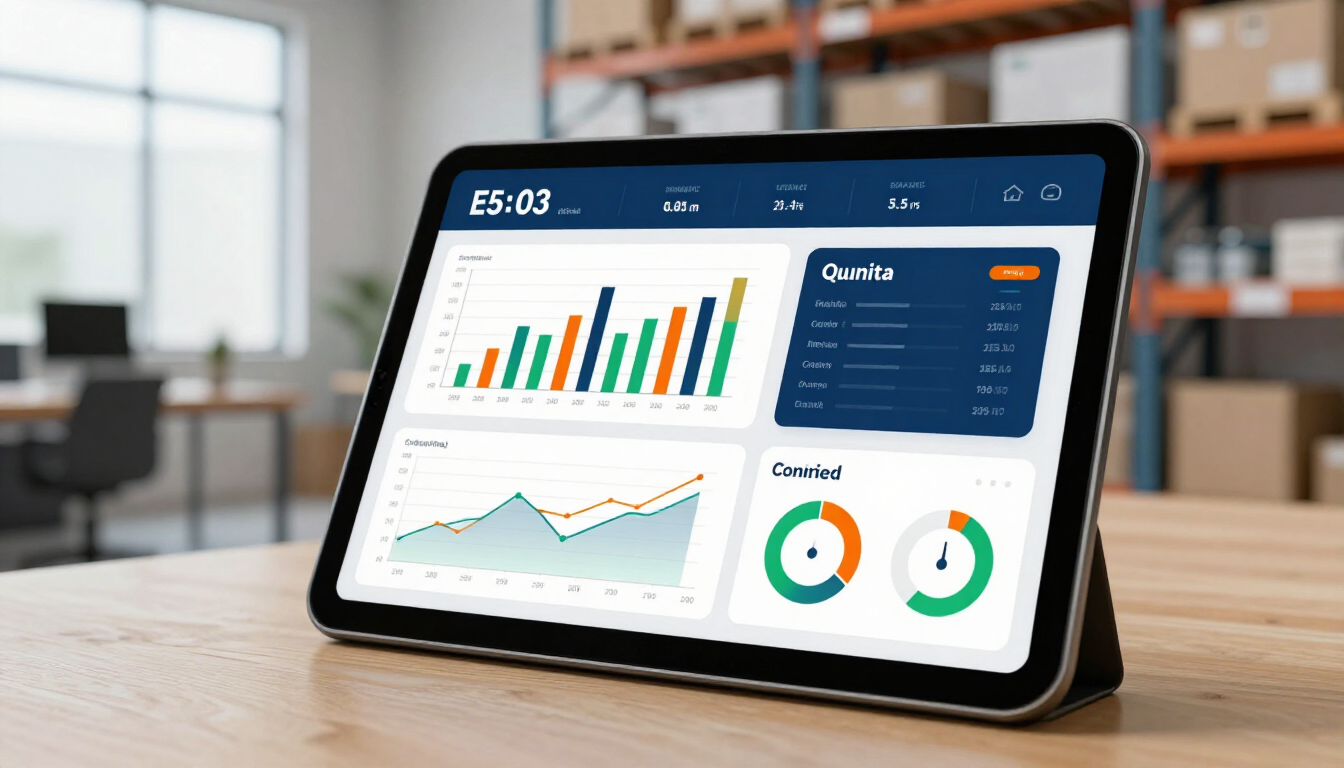



Use AI Automation to Scale Your Small Business in 2026

Share this article

AI automation for small business is the use of software tools like Zapier, Make.com, and AI models to perform repetitive tasks without human intervention. By connecting your existing apps, you can automatically sync data, respond to customers, and process invoices, significantly reducing manual workload and operational costs.

What is AI automation for small business?

In the modern digital landscape, AI automation isn't just for tech giants; it is a vital strategy for small business owners, freelancers, and solo entrepreneurs who need to scale their impact without increasing their headcount. At its core, AI automation bridges the gap between different software platforms, allowing them to "talk" to each other and share information. This ecosystem eliminates the need for "copy-paste" work and ensures that your business runs 24/7, even when you are offline.

For many small businesses, the primary bottleneck is time. You likely spend hours every week managing emails, updating spreadsheets, or chasing invoices. Automation transforms these linear tasks into automated workflows. When a specific event happens in one app (a "Trigger"), it automatically initiates a series of events in other apps (an "Action"). By integrating Artificial Intelligence into these workflows, the system can now also make decisions, summarize text, or categorize data based on your specific business rules.

The core components of an automated workflow

To understand how to apply this to your company, you should familiarize yourself with the three main pillars of automation:

  • The Trigger : This is the event that starts the workflow, such as receiving a new email or a customer filling out a form.
  • The Logic : This involves filters or paths that decide if the automation should proceed or take a specific route based on data.
  • The Action : The final result, like creating a task in your project management tool or sending a personalized PDF invoice.

By leveraging AI Automation strategies, you can build a resilient digital infrastructure that handles the heavy lifting, allowing you to focus on high-value creative and strategic work.

How can I automate email and communication?

Communication is the lifeblood of any business, but it is often the most time-consuming. Small businesses can use AI to manage both internal and external communication efficiently. For instance, when a potential client reaches out via your website, an AI-powered workflow can analyze the inquiry, determine the urgency, and send a customized response instantly.

Automated Workflow Illustration

Automating your customer service desk

Imagine a scenario where every support ticket is automatically categorized. Using tools like Zapier and OpenAI, you can scan incoming emails for keywords like "refund," "help," or "pricing." The AI can then draft a response based on your previous User Cases and save it as a draft for your review. This ensures that customers receive fast responses while you maintain control over the final word.

Key benefits of communication automation include:

  • Instant response times for lead capture.
  • Standardized messaging across all customer touchpoints.
  • Automatic archiving and categorization of important documents.
  • Reduced risk of missing a high-priority message.
  • Seamless hand-offs between sales and support teams.

Automating the lead generation funnel

Lead generation often fails because of slow follow-ups. With automation, you can connect your social media lead forms (like Facebook or LinkedIn) directly to your CRM. Instead of manually downloading CSV files at the end of the week, your leads are injected into your sales pipeline the second they click "submit." You can even set up a workflow that sends a text message to the lead within 5 minutes, which has been shown to increase conversion rates by over 300%.

Explore our Prebuild Flows to see how these funnels can be implemented in hours rather than weeks. Whether you are a solo consultant or a growing agency, capturing every lead without lifting a finger is a game-changer for revenue growth.

Streamlining financial and invoicing workflows

Managing money is where many small business owners feel the most stress. Manual invoicing and expense tracking are prone to human error, which can lead to missed payments or tax headaches. AI automation simplifies this by syncing your payment processors with your accounting software.

Financial Automation Concept

For example, when a sale is made on your site, a workflow can:

  1. Generate a professional invoice in QuickBooks or Xero.
  2. Send a thank-you email to the customer with their receipt.
  3. Log the transaction in a master Google Sheet for your internal dashboard.
  4. Notify your team on Slack that a new sale has occurred.

By checking our Our App Stack , you can find the best tools to connect your banking and sales data seamlessly. This level of transparency ensures that you always know your profit margins without having to spend a Saturday afternoon looking at spreadsheets.

Why use Zapier versus Make.com for workflows?

Choosing the right platform is critical for your long-term success. Both Zapier and Make.com are industry leaders, but they serve different needs. Zapier is widely considered the most user-friendly tool, offering a simple "if this, then that" interface and support for over 5,000 apps. It is perfect for small business owners who want to get up and running quickly without a steep learning curve.

On the other hand, Make.com (formerly Integromat) offers a visual canvas where you can build highly complex, multi-branched workflows. It is often more cost-effective for high-volume tasks but requires a bit more technical knowledge to master. At SmartFl8w, we often recommend Custom Workflow builds on Make.com for businesses with unique data processing needs, while recommending Zapier for standard marketing and sales automations.

Comparison Table: Zapier vs. Make.com

  • Ease of Use : Zapier wins for beginners; Make wins for visual logic.
  • Pricing : Make is generally cheaper for high-volume operations.
  • App Selection : Zapier has the largest library of pre-built integrations.
  • Customization : Make allows for deeper API manipulation and technical control.
  • Reliability : Both offer excellent uptime and error-handling features.

If you're unsure which one to choose, you can learn more about our Automation Support to help you make the right technical decision for your specific industry.

How do I start with AI data entry?

Manual data entry is arguably the most soul-crushing task in any office. Fortunately, AI "Vision" and OCR (Optical Character Recognition) technologies have made this a thing of the past. You can now set up a system where you simply scan a physical receipt or upload a PDF contract, and the AI automatically extracts the vendor name, date, total amount, and line items.

To begin, look at your most common data entry points. Are you moving information from emails to a CRM? From a website form to a project management tool? Once you identify the pattern, you can use an AI tool to "parse" that data. This means the software reads the text, understands the context, and places the right info into the right columns in your database. This eliminates errors and saves hundreds of hours over the course of a year.

Future-proofing your business operations

Automation is not a "set it and forget it" task; it is an evolving part of your business strategy. As your business grows, your workflows should become more sophisticated. You might start with simple email auto-responders and eventually move into Voice AI solutions that can handle customer phone calls or schedule appointments using natural language.

Investing in these systems today builds a foundation for scalability. While your competitors are busy hiring more staff to handle their manual workload, you will be scaling your revenue while keeping your overhead low. This competitive advantage is what separates stagnant businesses from industry leaders in the 2020s.

Summary of Key Takeaways

  • Direct Efficiency : AI automation replaces manual triggers with digital actions, saving up to 20 hours per week for most small business owners.
  • Better Communication : Automate your leads and customer service to ensure no message goes unanswered.
  • Financial Accuracy : Syncing sales data with accounting tools reduces errors and improves cash flow visibility.
  • Scalability : Use tools like Zapier and Make.com to grow your business capacity without adding significant overhead.
  • Actionable Start : Identify one repetitive task today and build your first workflow to reclaim your time.

By following this guide, you are well on your way to a more efficient, profitable, and stress-free business. For a personalized roadmap, consider booking a Free Consultation with our team to explore how we can tailor these solutions to your specific needs. Check out our Pricing to find a plan that fits your current stage of growth. Your automated future starts now.

Recent Posts

AI automation for beginners guide visualization
May 7, 2026
Learn how to start with AI automation without technical skills. Discover easy tools like Zapier and Make.com to streamline your business workflows today.
High-growth business analytics dashboard showing AI ROI metrics.
April 30, 2026
Discover how AI automation delivers measurable ROI by cutting costs, saving time, and scaling performance with real-world examples in CRM and marketing.
Digital representation of AI automation workflows
April 18, 2026
Learn how AI automation eliminates manual work, streamlines workflows, and saves time. Discover practical examples for CRM, reporting, and emails.
April 10, 2026
Compare manual workflows vs AI automation systems and discover how businesses improve efficiency, reduce errors, and scale operations.
April 3, 2026
Compare manual workflows vs AI automation systems and discover how businesses improve efficiency, reduce errors, and scale operations.
Hands typing on a laptop keyboard while holding a yellow credit card to shop on a clothing website.
March 27, 2026
Explore real-world AI automation use cases across e-commerce, SaaS, real estate, and marketing agencies to improve efficiency and scale operations.
March 20, 2026
AI automation tools such as Zapier, Make, and N8n have become essential components of modern digital infrastructure. This guide provides a structured comparison of these platforms.
Two people collaborate in an office, reviewing stock market charts on a laptop and a large wall-mounted screen.
March 13, 2026
AI automation provides a scalable solution for small businesses seeking to improve efficiency and reduce manual workload. This guide explores how AI automation transforms everyday operations
February 27, 2026
Discover how AI automation helps small businesses streamline workflows, reduce costs, and scale operations with efficient automation solutions.
February 20, 2026
Discover AI automation services to streamline workflows, reduce errors, and scale operations with smarter, faster business automation systems.
Show More